The new HTTP method : QUERY
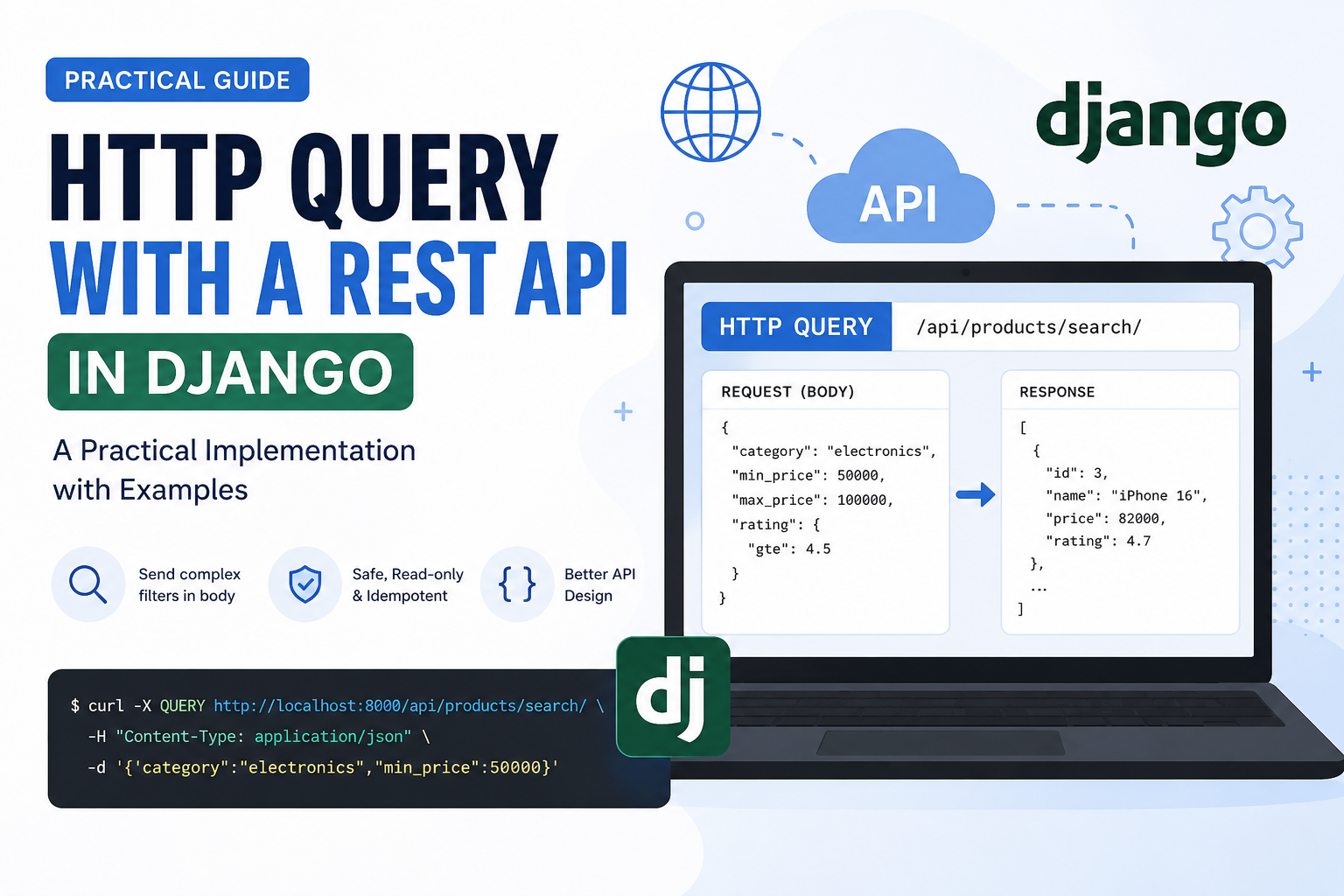
Practical Implementation of HTTP QUERY with a REST API in Django
Note: Although the HTTP
QUERYmethod has been proposed as a new HTTP method (currently an IETF draft), it is not yet widely supported by browsers, proxies, web servers, Django, or Django REST Framework. This article demonstrates how you can implement it in Django today for experimentation or internal APIs.
What is the HTTP QUERY Method?
Traditionally, REST APIs use:
| Method | Purpose |
|---|---|
| GET | Retrieve data |
| POST | Create data |
| PUT | Replace data |
| PATCH | Partial update |
| DELETE | Remove data |
A common limitation of GET is that:
- Query parameters become extremely long.
- URLs have practical length limits.
- Complex nested filters are difficult.
- Request bodies in GET are not standardized.
Example:
GET /api/products?category=electronics&brand=Apple&price_min=50000&price_max=100000&rating=4&sort=-price&page=5&availability=true
For simple filters this is fine.
But imagine hundreds of filters, nested conditions, JSON objects, or full search DSLs.
That is where QUERY comes in.
Why Not Use POST?
Many APIs use POST for searching.
Example:
POST /api/products/search/
Body:
{
    "category": "electronics",
    "brand": "Apple",
    "price": {
        "gte": 50000,
        "lte": 100000
    }
}
This works, but semantically:
- POST usually creates resources.
- Search does not create anything.
- Caches treat POST differently.
- API documentation becomes less intuitive.
The QUERY method solves this by representing:
"Send a request body while performing a safe, read-only operation."
Current Support
As of today:
- Django ❌ does not natively support QUERY
- Django REST Framework ❌ does not support QUERY
- Nginx ❌ does not recognize QUERY by default
- Gunicorn ❌ rejects unknown methods
- Browsers ❌ cannot issue QUERY requests using fetch()
- curl ✅ can send custom HTTP methods
- Some reverse proxies can be configured
Therefore this implementation is mostly useful for:
- Internal APIs
- Microservices
- API gateways
- Research
- Early experimentation
Project Setup
django-admin startproject demo
cd demo

python manage.py startapp api
Install DRF
pip install djangorestframework
urls.py
from django.urls import path
from api.views import ProductSearchAPIView

urlpatterns = [
    path("products/search/", ProductSearchAPIView.as_view()),
]
Example Data
Suppose we have:
class Product(models.Model):
    name = models.CharField(max_length=100)
    category = models.CharField(max_length=50)
    price = models.IntegerField()
    rating = models.FloatField()
Custom APIView
DRF dispatches requests based on HTTP method names.
Since QUERY is unknown, we override dispatch().
import json

from django.http import JsonResponse
from rest_framework.views import APIView

from .models import Product


class ProductSearchAPIView(APIView):

    def dispatch(self, request, *args, **kwargs):
        if request.method == "QUERY":
            return self.query(request, *args, **kwargs)

        return super().dispatch(request, *args, **kwargs)

    def query(self, request):

        body = json.loads(request.body)

        queryset = Product.objects.all()

        category = body.get("category")
        minimum_price = body.get("min_price")
        maximum_price = body.get("max_price")

        if category:
            queryset = queryset.filter(category=category)

        if minimum_price:
            queryset = queryset.filter(price__gte=minimum_price)

        if maximum_price:
            queryset = queryset.filter(price__lte=maximum_price)

        results = list(
            queryset.values(
                "id",
                "name",
                "category",
                "price",
            )
        )

        return JsonResponse(results, safe=False)
Sending a QUERY Request
Using curl:
curl \
-X QUERY \
http://localhost:8000/products/search/ \
-H "Content-Type: application/json" \
-d '{
    "category":"electronics",
    "min_price":50000,
    "max_price":100000
}'
Response
[
    {
        "id": 3,
        "name": "iPhone 16",
        "category": "electronics",
        "price": 82000
    },
    {
        "id": 8,
        "name": "MacBook Air",
        "category": "electronics",
        "price": 96000
    }
]
Using Django REST Framework Serializer
Instead of manually parsing JSON:
class SearchSerializer(serializers.Serializer):
    category = serializers.CharField(required=False)
    min_price = serializers.IntegerField(required=False)
    max_price = serializers.IntegerField(required=False)
Then:
serializer = SearchSerializer(data=json.loads(request.body))
serializer.is_valid(raise_exception=True)

filters = serializer.validated_data
This provides:
- validation
- automatic error messages
- cleaner code
Supporting Complex Filters
One major advantage of QUERY is sending structured JSON.
Example:
{
    "filters": {
        "category": "electronics",
        "price": {
            "gte": 50000,
            "lte": 100000
        },
        "rating": {
            "gte": 4.5
        }
    },
    "sort": [
        "-price",
        "rating"
    ],
    "page": 3,
    "page_size": 20
}
This is much easier than encoding everything into a URL.
Middleware Alternative
You can also normalize QUERY requests using middleware.
class QueryMethodMiddleware:

    def __init__(self, get_response):
        self.get_response = get_response

    def __call__(self, request):

        if request.method == "QUERY":
            request.META["QUERY_REQUEST"] = True

        return self.get_response(request)
This allows custom routing or logging for QUERY requests.
Server Compatibility
Not every HTTP server accepts unknown methods.
Examples:
| Server | Support |
|---|---|
| Django Development Server | Usually accepts unknown methods |
| Gunicorn | May reject unknown methods |
| uWSGI | Configuration required |
| Nginx | Configuration required |
| Apache | Depends on configuration |
| Cloudflare | May reject unknown methods |
Always test your deployment stack before adopting QUERY.
Advantages
✅ Supports request body
✅ Read-only semantics
✅ Better than abusing POST for searches
✅ Easier to express complex filters
✅ Cleaner API design
Disadvantages
❌ Not standardized in production yet
❌ Limited server support
❌ Browsers cannot easily issue QUERY requests
❌ OpenAPI tools have limited support
❌ API gateways may reject it
When Should You Use QUERY?
Use QUERY if:
- You're experimenting with the emerging HTTP specification.
- You're building internal services where clients and servers are under your control.
- You need complex read-only queries with large JSON payloads.
Avoid QUERY if:
- You're building a public REST API.
- You rely on browser clients.
- You need compatibility with existing infrastructure and tooling.
In those cases, using GET for simple searches or POST /search for complex searches remains the most practical approach.
Conclusion
The HTTP QUERY method aims to solve a long-standing limitation of REST APIs: expressing complex, read-only queries without overloading URLs or misusing POST. While the idea is elegant and aligns well with REST semantics, the ecosystem has not yet fully adopted it.
Today, Django developers can experiment with QUERY by overriding request dispatching and handling the method manually. However, for production systems, compatibility concerns mean that GET and POST continue to be the safer choices until QUERY gains broader support.
As HTTP evolves, QUERY has the potential to become a valuable addition to API design, especially for search-heavy applications that require rich request payloads while preserving safe, idempotent semantics.